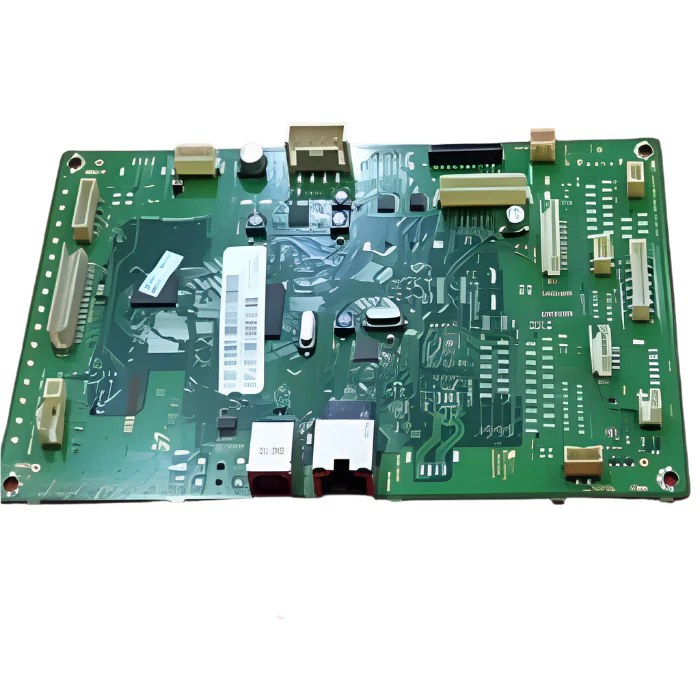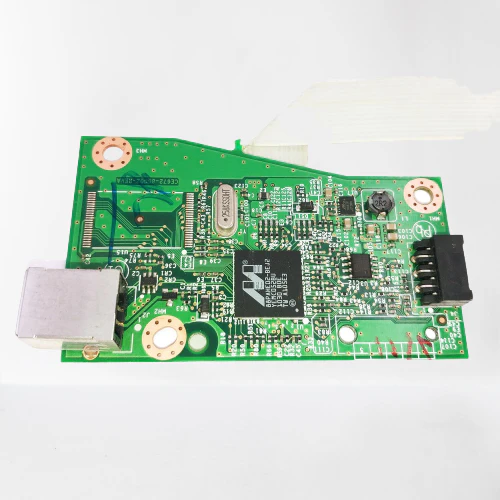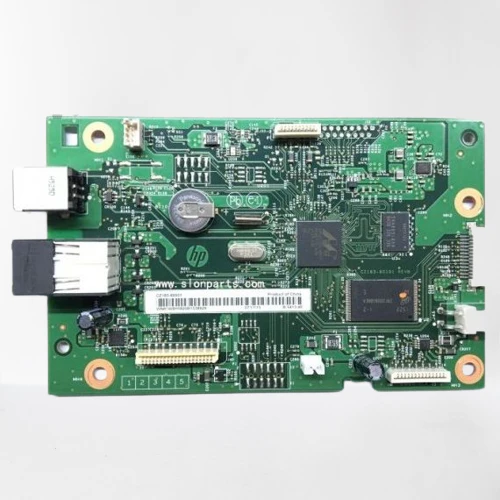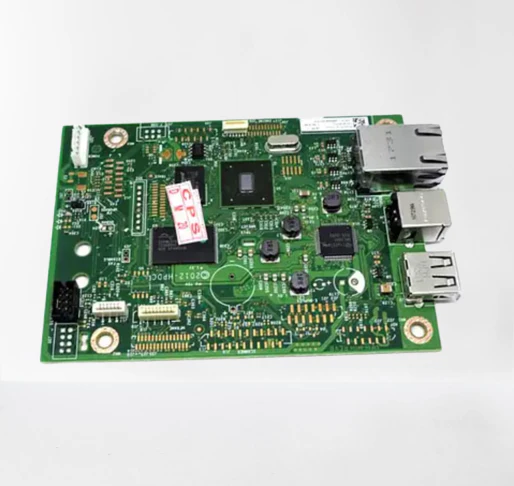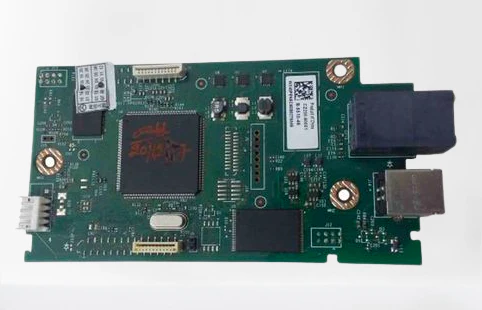
Formatter Board / Logic Card for HP LaserJet Pro M202dn / M202dw Imported
Original Formatter Board / Logic Card for HP LaserJet Pro M202dn / M202dw — Imported
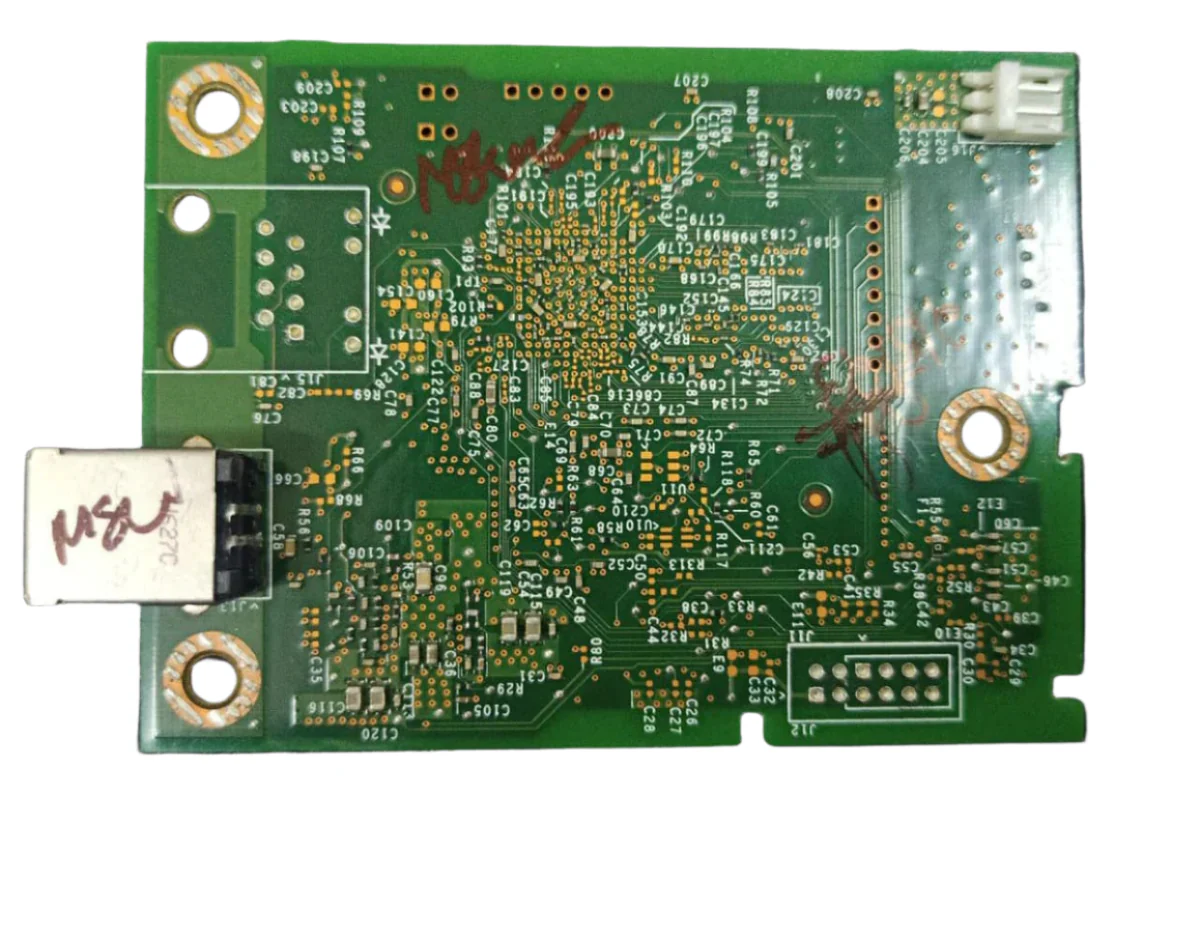
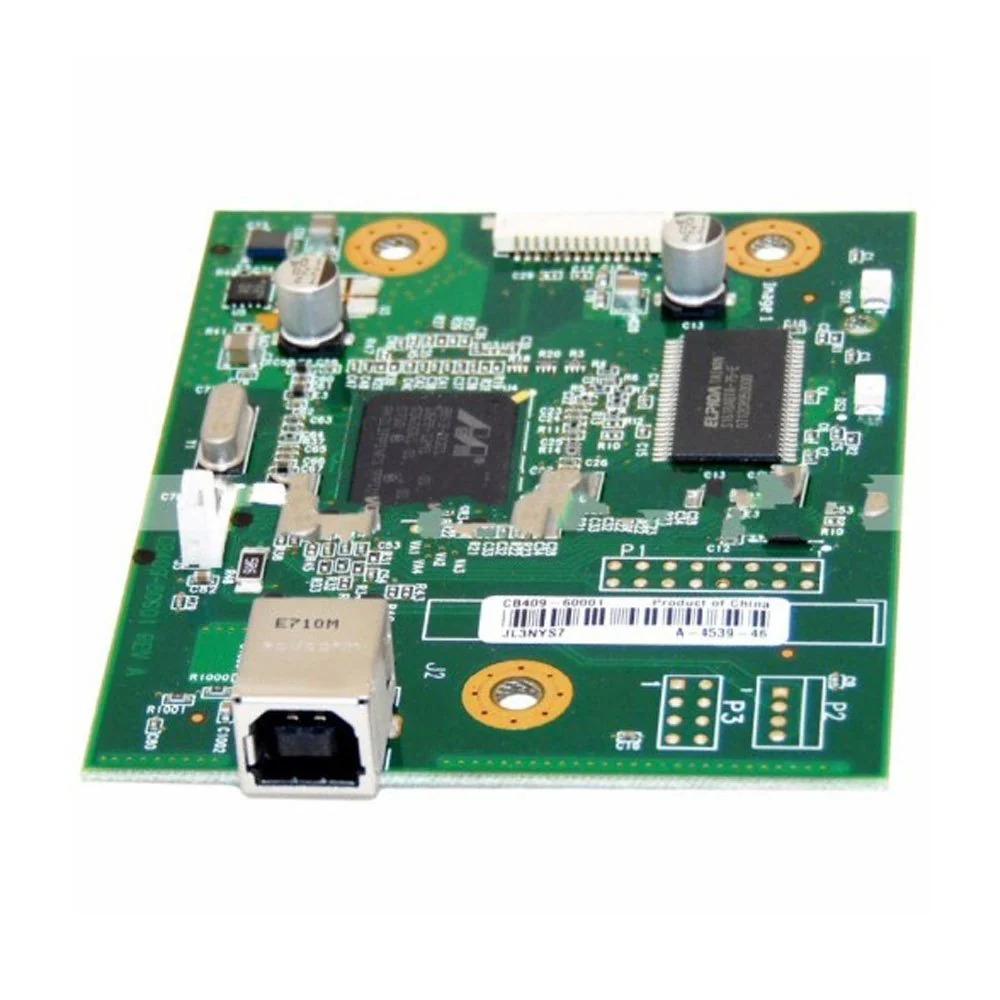
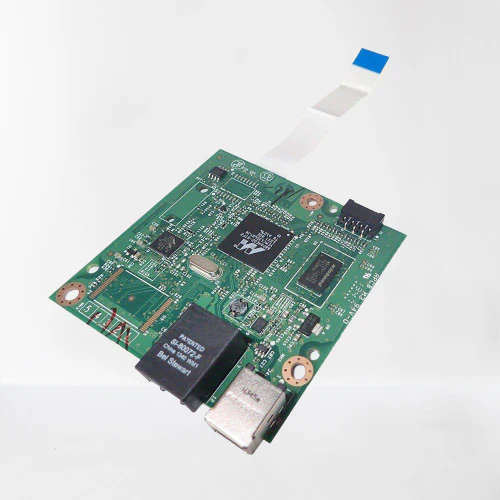
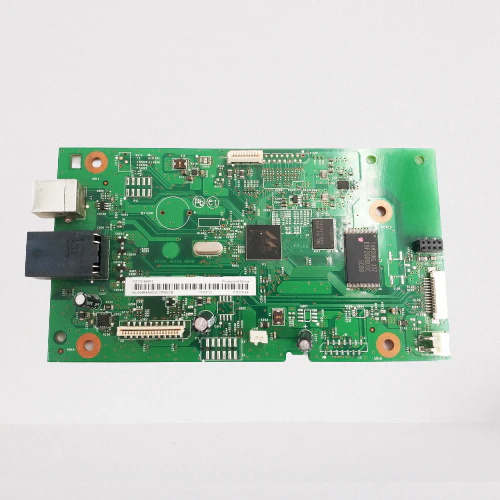
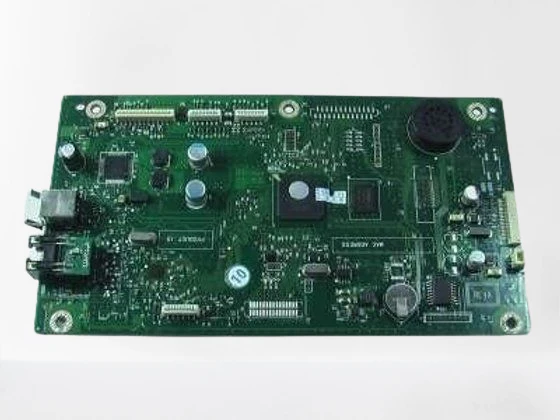
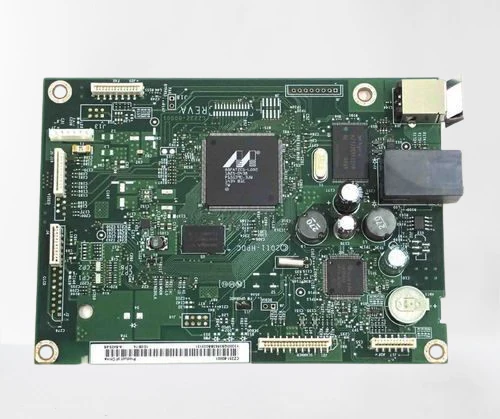
Get your HP LaserJet Pro M202 back to life with the PRM Formatter Board. This imported logic card is a direct replacement for the original HP formatter — restoring full printer functionality when the original board fails. One board fits both the HP M202dn and HP M202dw.
Looking for an HP M202dn logic card or HP M202dw formatter board? This is the correct formatter board for both printers.
When Do You Need a New Formatter Board?
The formatter board is your printer's brain — it processes print data, manages USB, Ethernet, and WiFi communication, controls duplex printing, and coordinates all printer operations. Replace it when you see:
- Printer not detected by computer (USB not recognised)
- Ethernet/network connection not working
- WiFi not working — printer disappears from wireless network (M202dw)
- Automatic duplex (two-sided) printing not working
- Printer turns on but won't print
- Paper feeds but pages come out blank
- Control panel freezes or shows error codes
- Printer hangs mid-job or restarts on its own
- "Cannot communicate with printer" error on computer
If you've already replaced the toner (HP 83A) and drum, tried a new USB cable, reinstalled drivers, and the issue persists — the formatter board is the most likely culprit.
1. Fits Both M202dn and M202dw: One compatible formatter board works across both the HP LaserJet Pro M202dn (Ethernet) and M202dw (WiFi). Whether you have the wired or wireless model, this is the right board.
2. Restores USB, Ethernet, and WiFi Connectivity: The formatter controls all connection methods. On the M202dn, it manages USB and Ethernet. On the M202dw, it also controls WiFi. A new board brings all connectivity back online.
3. Duplex Printing Restored: Both the M202dn and M202dw support automatic two-sided printing, which is managed by the formatter. If duplex has stopped working while single-sided prints fine, the formatter board is often the cause.
4. Direct Drop-In Replacement: Designed to match the original HP M202 formatter board dimensions, connectors, and mounting points. Remove the old board, install the new one — your printer is ready.
5. Compatible Imported Quality: China-manufactured compatible board delivering reliable performance at a fraction of the original HP board cost. Ideal for extending the life of your M202 affordably.
6. Easy Installation: Open the rear or side panel, disconnect cable connectors from the old board, swap in the new board, reconnect all cables, and close. 15-20 minutes for any printer technician. No special tools needed.
7. Tested Before Shipping: Every PRM formatter board is power-tested before dispatch to ensure it's working. Backed by our testing warranty.
Compatible Printers:
HP: LaserJet Pro M202dn, LaserJet Pro M202dw
Also known as: HP M202dn Formatter Board, HP M202dw Formatter Board, HP M202dn Logic Card, HP M202dw Logic Card, HP M202dn Main Board, HP M202dw Motherboard, HP M202dw WiFi Board, HP M202 Formatter Card
Original Formatter Board / Logic Card for HP LaserJet Pro M202dn / M202dw — Imported
Get your HP LaserJet Pro M202 back to life with the PRM Formatter Board. This imported logic card is a direct replacement for the original HP formatter — restoring full printer functionality when the original board fails. One board fits both the HP M202dn and HP M202dw.
Looking for an HP M202dn logic card or HP M202dw formatter board? This is the correct formatter board for both printers.
When Do You Need a New Formatter Board?
The formatter board is your printer's brain — it processes print data, manages USB, Ethernet, and WiFi communication, controls duplex printing, and coordinates all printer operations. Replace it when you see:
- Printer not detected by computer (USB not recognised)
- Ethernet/network connection not working
- WiFi not working — printer disappears from wireless network (M202dw)
- Automatic duplex (two-sided) printing not working
- Printer turns on but won't print
- Paper feeds but pages come out blank
- Control panel freezes or shows error codes
- Printer hangs mid-job or restarts on its own
- "Cannot communicate with printer" error on computer
If you've already replaced the toner (HP 83A) and drum, tried a new USB cable, reinstalled drivers, and the issue persists — the formatter board is the most likely culprit.
1. Fits Both M202dn and M202dw: One compatible formatter board works across both the HP LaserJet Pro M202dn (Ethernet) and M202dw (WiFi). Whether you have the wired or wireless model, this is the right board.
2. Restores USB, Ethernet, and WiFi Connectivity: The formatter controls all connection methods. On the M202dn, it manages USB and Ethernet. On the M202dw, it also controls WiFi. A new board brings all connectivity back online.
3. Duplex Printing Restored: Both the M202dn and M202dw support automatic two-sided printing, which is managed by the formatter. If duplex has stopped working while single-sided prints fine, the formatter board is often the cause.
4. Direct Drop-In Replacement: Designed to match the original HP M202 formatter board dimensions, connectors, and mounting points. Remove the old board, install the new one — your printer is ready.
5. Compatible Imported Quality: China-manufactured compatible board delivering reliable performance at a fraction of the original HP board cost. Ideal for extending the life of your M202 affordably.
6. Easy Installation: Open the rear or side panel, disconnect cable connectors from the old board, swap in the new board, reconnect all cables, and close. 15-20 minutes for any printer technician. No special tools needed.
7. Tested Before Shipping: Every PRM formatter board is power-tested before dispatch to ensure it's working. Backed by our testing warranty.
Compatible Printers:
HP: LaserJet Pro M202dn, LaserJet Pro M202dw
Also known as: HP M202dn Formatter Board, HP M202dw Formatter Board, HP M202dn Logic Card, HP M202dw Logic Card, HP M202dn Main Board, HP M202dw Motherboard, HP M202dw WiFi Board, HP M202 Formatter Card
Description
Original Formatter Board / Logic Card for HP LaserJet Pro M202dn / M202dw — Imported
Get your HP LaserJet Pro M202 back to life with the PRM Formatter Board. This imported logic card is a direct replacement for the original HP formatter — restoring full printer functionality when the original board fails. One board fits both the HP M202dn and HP M202dw.
Looking for an HP M202dn logic card or HP M202dw formatter board? This is the correct formatter board for both printers.
When Do You Need a New Formatter Board?
The formatter board is your printer's brain — it processes print data, manages USB, Ethernet, and WiFi communication, controls duplex printing, and coordinates all printer operations. Replace it when you see:
- Printer not detected by computer (USB not recognised)
- Ethernet/network connection not working
- WiFi not working — printer disappears from wireless network (M202dw)
- Automatic duplex (two-sided) printing not working
- Printer turns on but won't print
- Paper feeds but pages come out blank
- Control panel freezes or shows error codes
- Printer hangs mid-job or restarts on its own
- "Cannot communicate with printer" error on computer
If you've already replaced the toner (HP 83A) and drum, tried a new USB cable, reinstalled drivers, and the issue persists — the formatter board is the most likely culprit.
1. Fits Both M202dn and M202dw: One compatible formatter board works across both the HP LaserJet Pro M202dn (Ethernet) and M202dw (WiFi). Whether you have the wired or wireless model, this is the right board.
2. Restores USB, Ethernet, and WiFi Connectivity: The formatter controls all connection methods. On the M202dn, it manages USB and Ethernet. On the M202dw, it also controls WiFi. A new board brings all connectivity back online.
3. Duplex Printing Restored: Both the M202dn and M202dw support automatic two-sided printing, which is managed by the formatter. If duplex has stopped working while single-sided prints fine, the formatter board is often the cause.
4. Direct Drop-In Replacement: Designed to match the original HP M202 formatter board dimensions, connectors, and mounting points. Remove the old board, install the new one — your printer is ready.
5. Compatible Imported Quality: China-manufactured compatible board delivering reliable performance at a fraction of the original HP board cost. Ideal for extending the life of your M202 affordably.
6. Easy Installation: Open the rear or side panel, disconnect cable connectors from the old board, swap in the new board, reconnect all cables, and close. 15-20 minutes for any printer technician. No special tools needed.
7. Tested Before Shipping: Every PRM formatter board is power-tested before dispatch to ensure it's working. Backed by our testing warranty.
Compatible Printers:
HP: LaserJet Pro M202dn, LaserJet Pro M202dw
Also known as: HP M202dn Formatter Board, HP M202dw Formatter Board, HP M202dn Logic Card, HP M202dw Logic Card, HP M202dn Main Board, HP M202dw Motherboard, HP M202dw WiFi Board, HP M202 Formatter Card